01 · WORK & ERGONOMICS
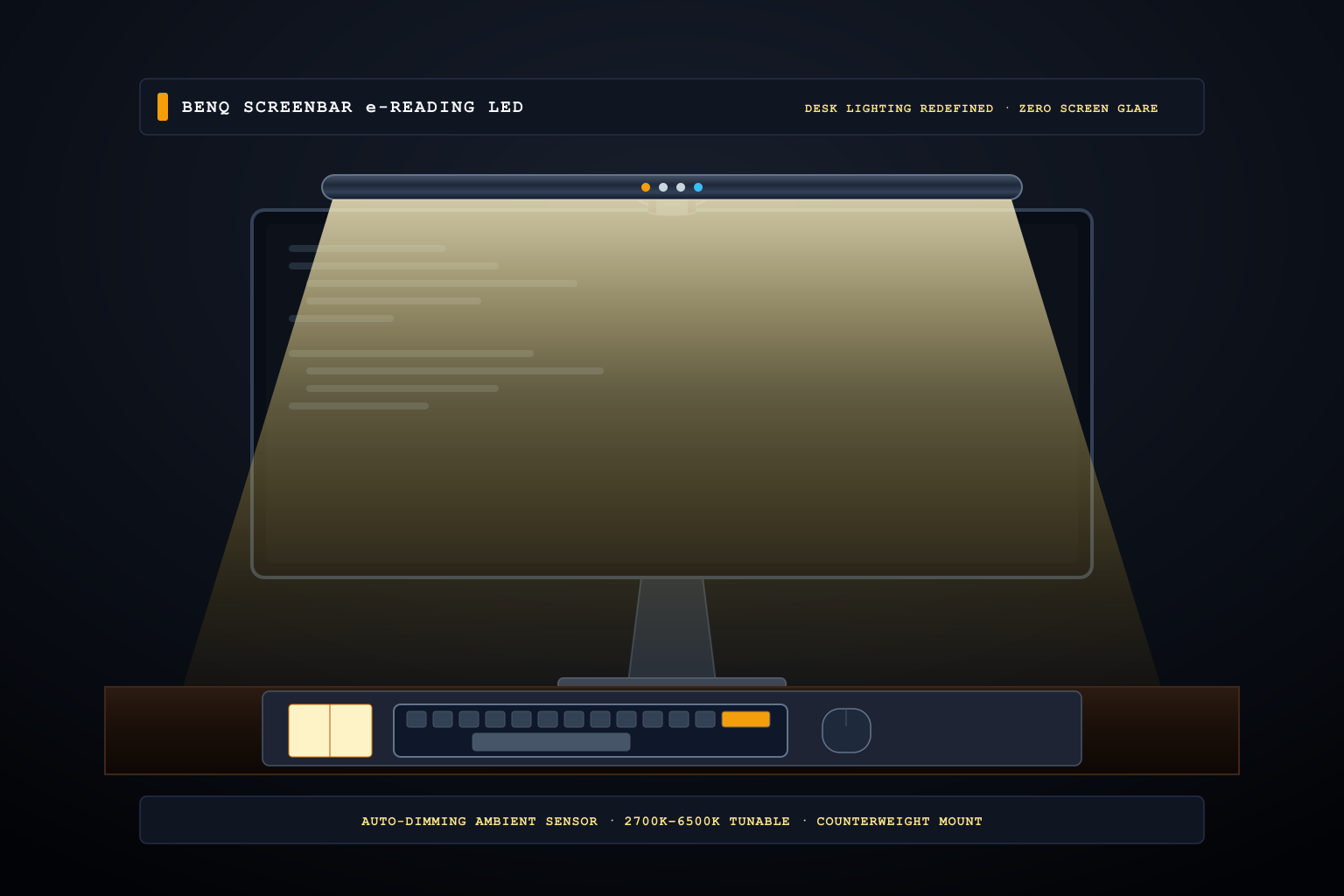
BenQ ScreenBar LED Light
Asymmetrical optics and smart auto-dimming illuminate your entire desk workspace without causing screen glare or consuming precious desk space.
Read the guide →DESKS · DEVICES · ROUTINES
A better workspace is usually a collection of modest systems: equipment stays clean, cables remain serviceable, and the tools on the desk justify the room they occupy.
10 researched guides
Newest first
01 · WORK & ERGONOMICS
Asymmetrical optics and smart auto-dimming illuminate your entire desk workspace without causing screen glare or consuming precious desk space.
Read the guide →
02 · WORK & ERGONOMICS
Stationary optical tracking and a mechanical scroll ring eliminate arm travel and wrist strain on busy desks.
Read the guide →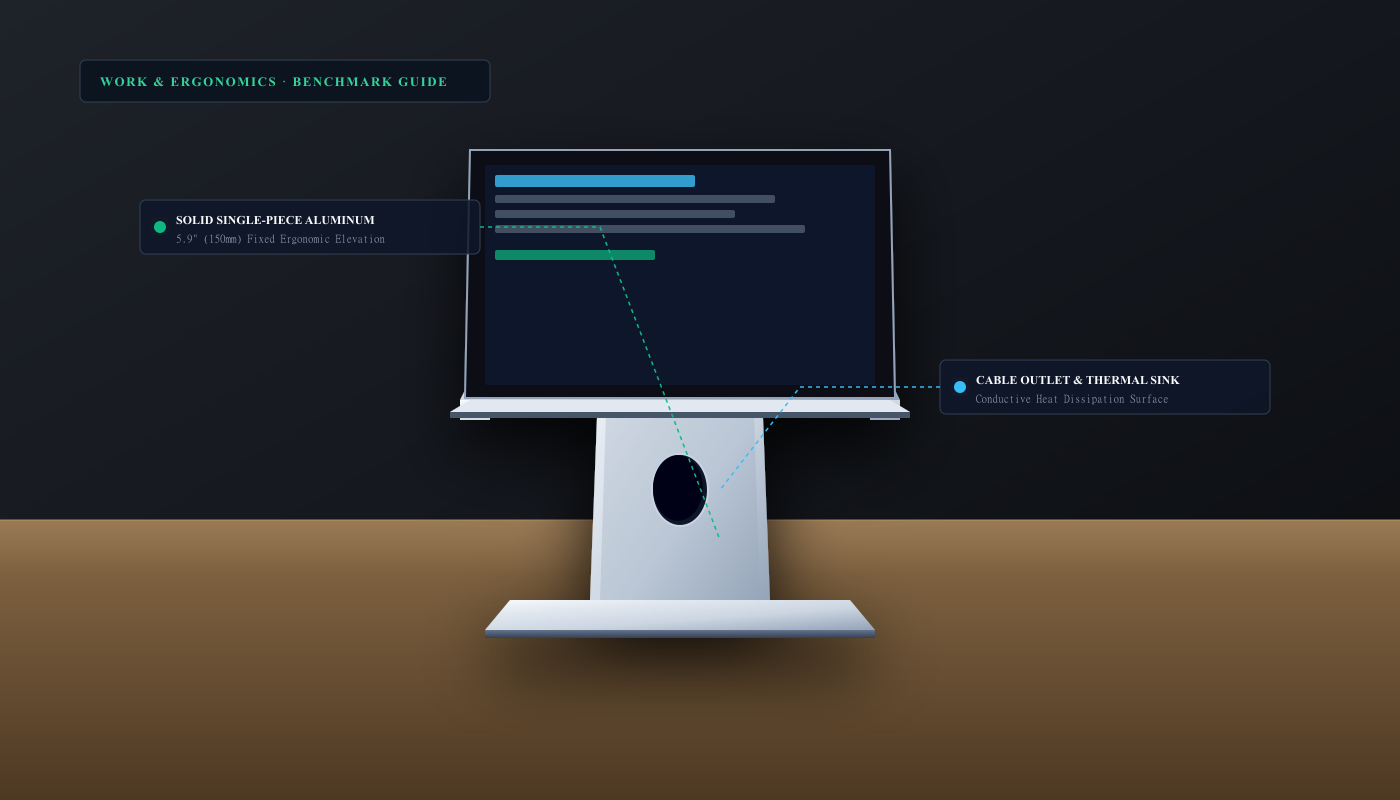
03 · WORK & ERGONOMICS
Solid single-piece sand-blasted aluminum elevates displays 5.9 inches to eye level while conductively dissipating laptop heat.
Read the guide →
04 · WORK & PRODUCTIVITY
Spherically dished low-profile keys, smart proximity backlighting, and 3-device Logi Bolt multi-OS switching.
Read the guide →
05 · WORK & SYSTEMS
Electromagnetic scrolling and quiet switches eliminate desk fatigue across wide spreadsheets and massive documents.
Read the guide →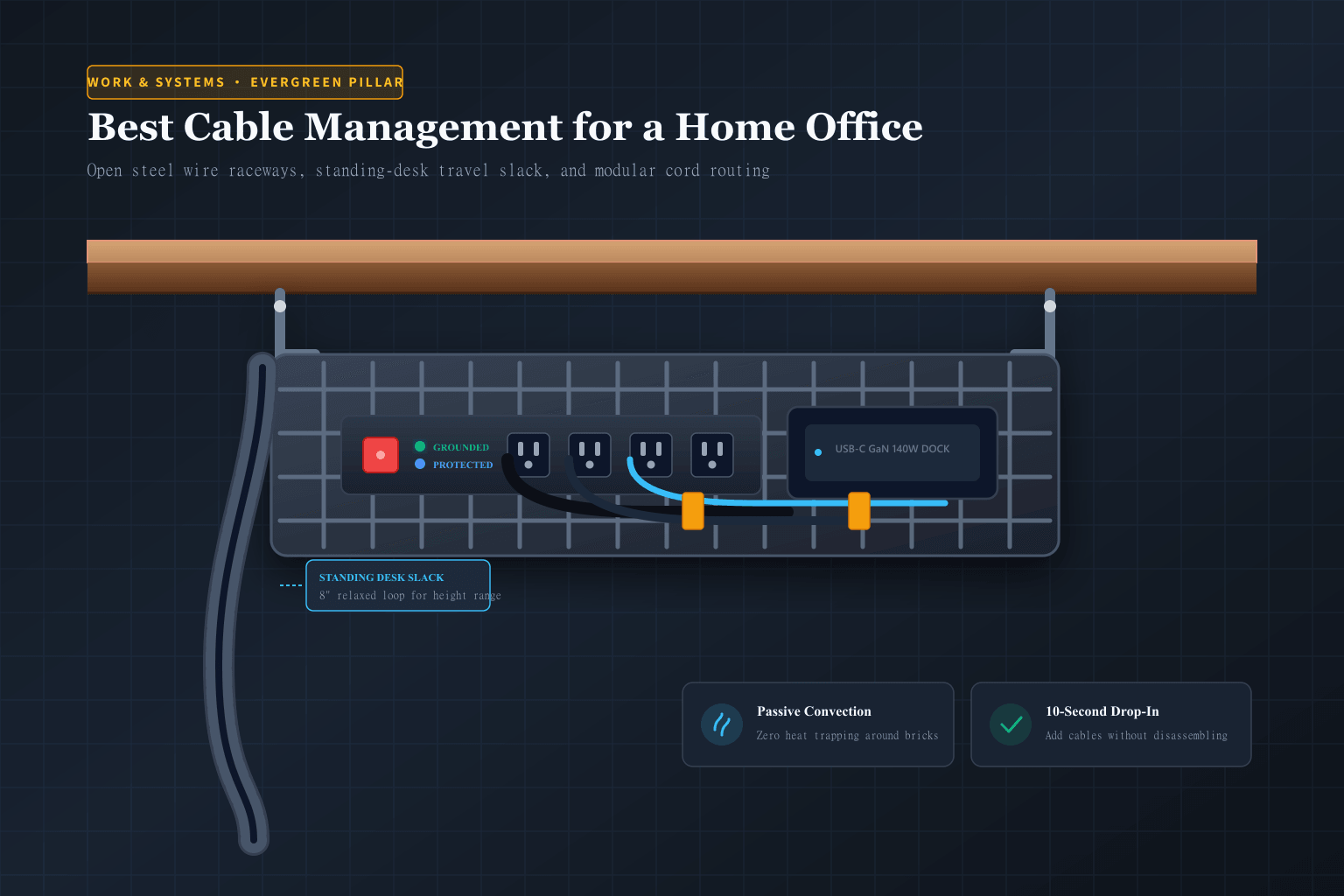
06 · Evergreen Guide · 5 Picks
5 curated solutions: open wire trays, modular sleeves, standing-desk spines, and magnetic drops.
Read the guide →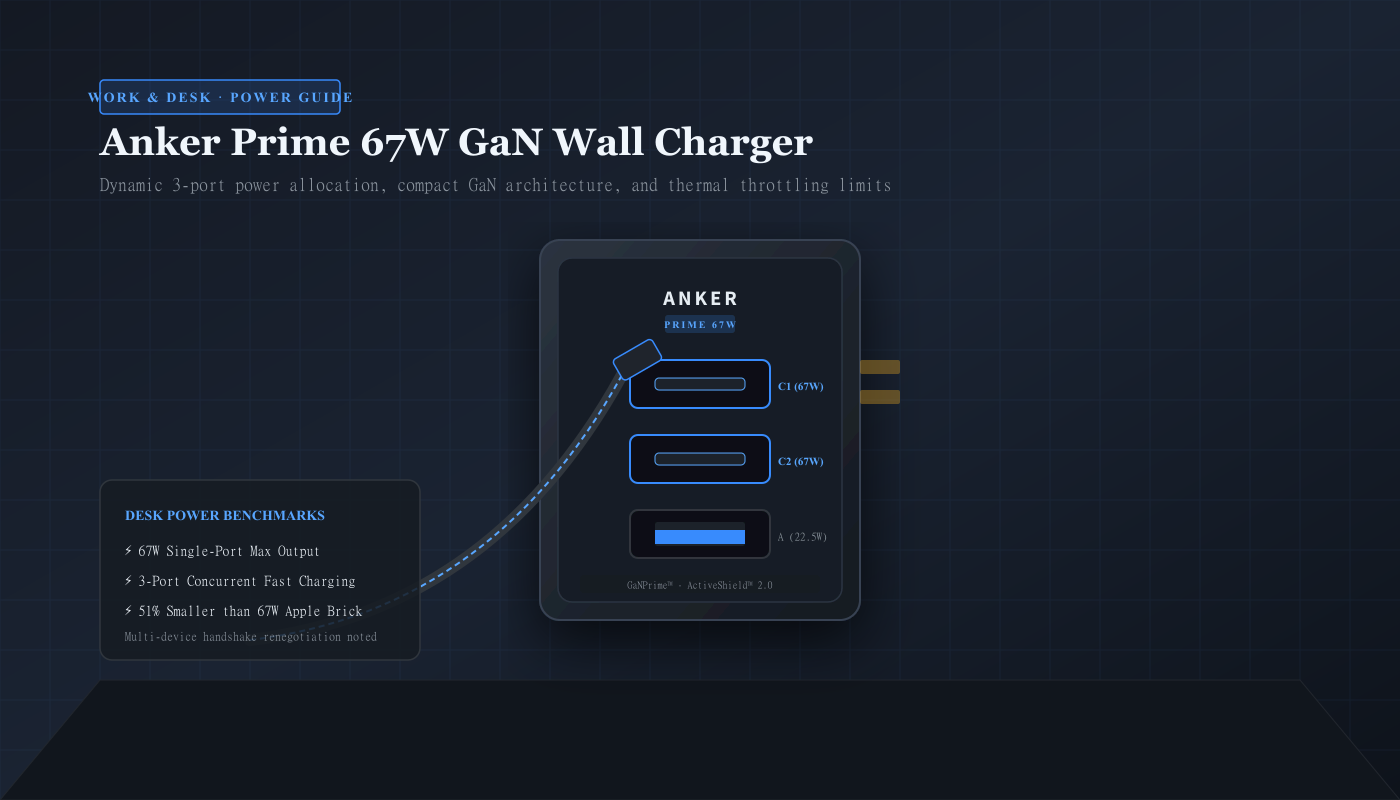
07 · Desk Power
Dynamic power allocation shares 67W across a laptop and phone without hogging neighboring wall sockets.
Read the guide →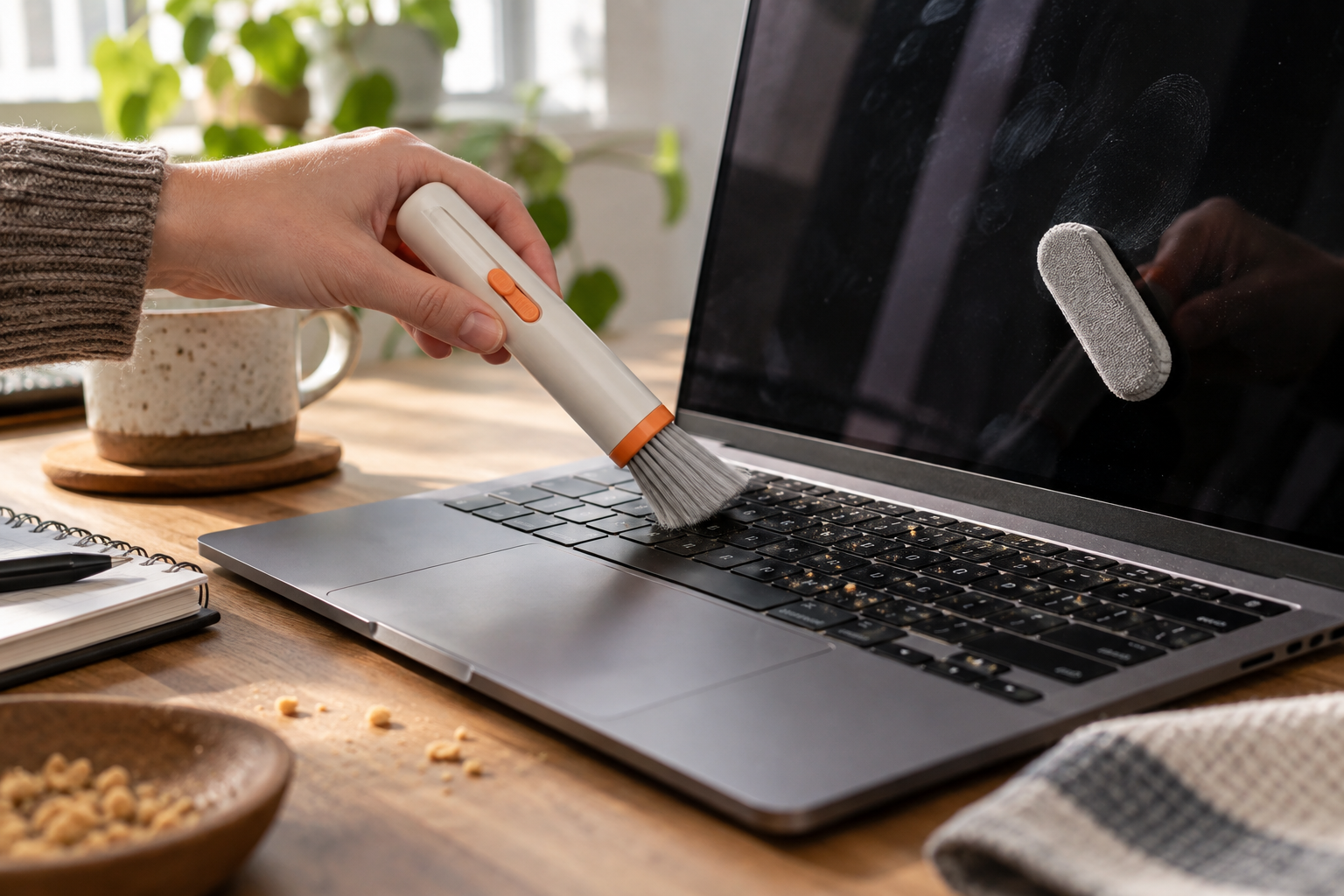
08 · Device care
The OXO Sweep & Swipe handles loose crumbs and light smudges. It does not fix spills, deep keyboard debris, or damaged screen coatings.
Read the guide →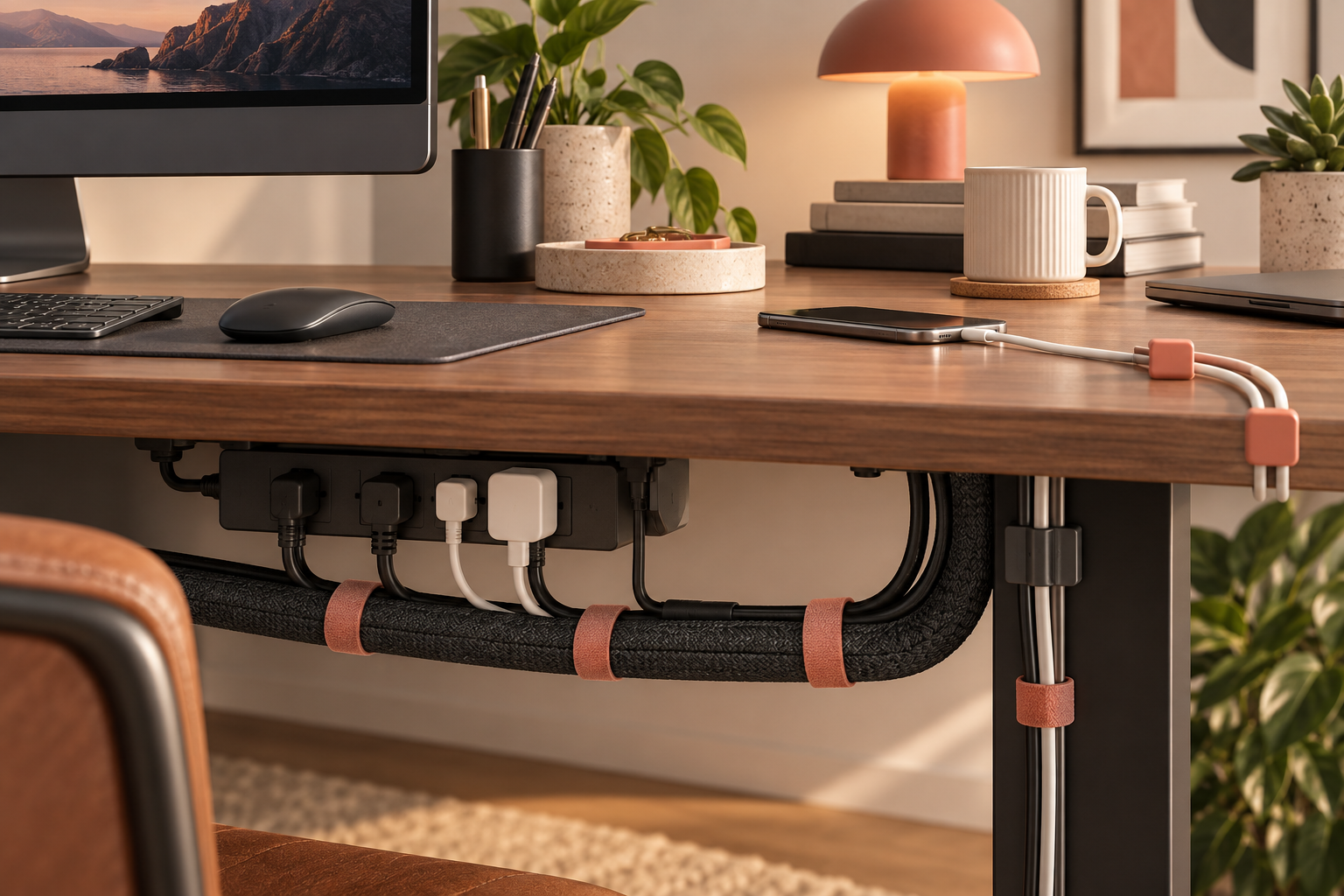
09 · Desk systems
How sleeves, clips, and ties divide the work—and why standing desks need slack before anything is fixed in place.
Read the guide →
10 · Small fix
Reusable ties make sense for cables that move. They are less useful for hiding permanent runs or mounting heavy power equipment.
Read the guide →